What's included
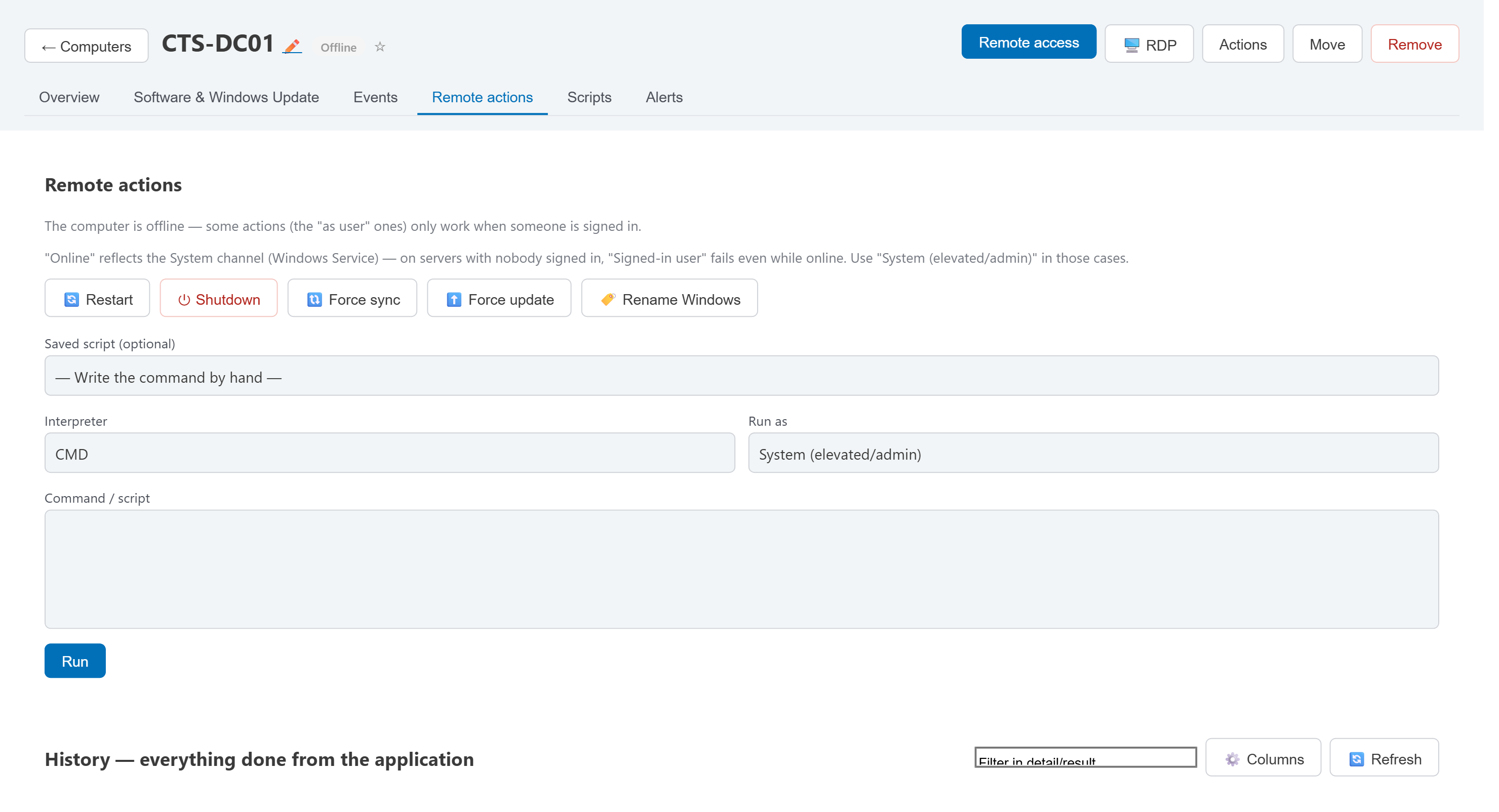
- Two channels per agent: the signed-in user's session for remote access, and an always-on System channel for servers with nobody logged in.
- One-off commands (CMD or PowerShell) or saved scripts, run as the user or elevated.
- Nothing gets lost to a bad connection — a command sent to an offline machine sits in the queue and delivers on reconnect.
- Full history of every command and every remote session, per machine, with who ran what and when.
Screen & commands
Full remote sessions and one-off commands, queued and delivered automatically when an offline machine comes back.