What's included
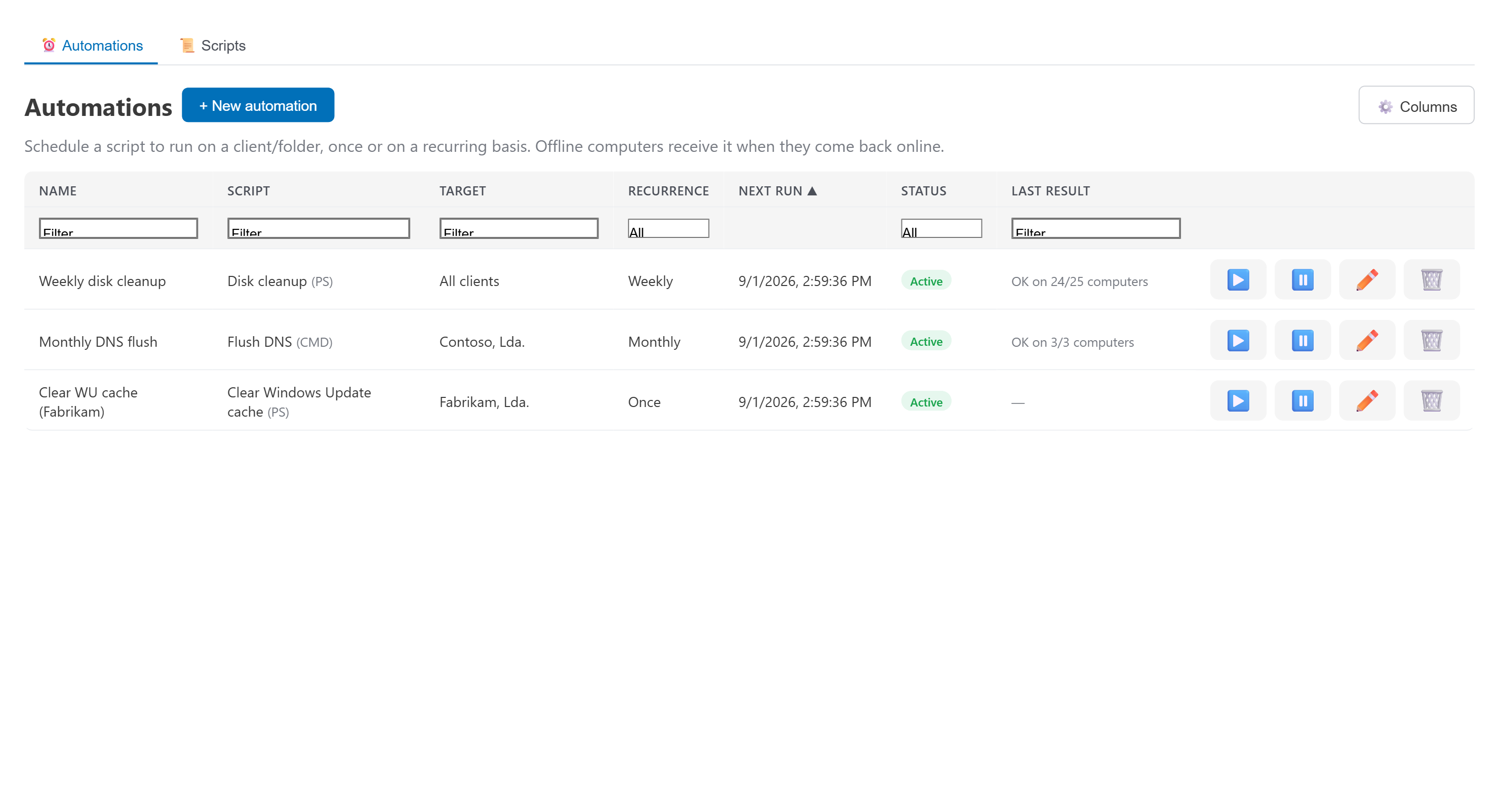
- Schedule any saved script to a machine, a folder, or the whole fleet.
- Runs through the same System channel as manual commands — no separate agent, no extra install.
- Store-and-forward: a machine that's offline at the scheduled time still gets it once it reconnects.
- Full run history, same as manual commands — see exactly what ran and what it returned.
- Per-machine scripts — every computer's detail page has a Scripts tab for scripts written just for that box, with their own body and their own schedule.
- Run them on the spot with live terminal output while the machine is online — offline runs are queued and delivered on reconnect.
- Pause and resume any schedule with one click; a "once" schedule disarms itself after it fires.
Scheduled scripts
Recurring maintenance jobs and one-off scripts, scheduled once and run silently in the background.