What's included
- Warning and critical thresholds per rule, scoped to the whole fleet, a folder, or a single computer.
- Per-disk alerts — each drive, not just C: — so a full data volume doesn't hide behind a healthy system drive.
- Antivirus/EDR and firewall state alerts, not just performance numbers.
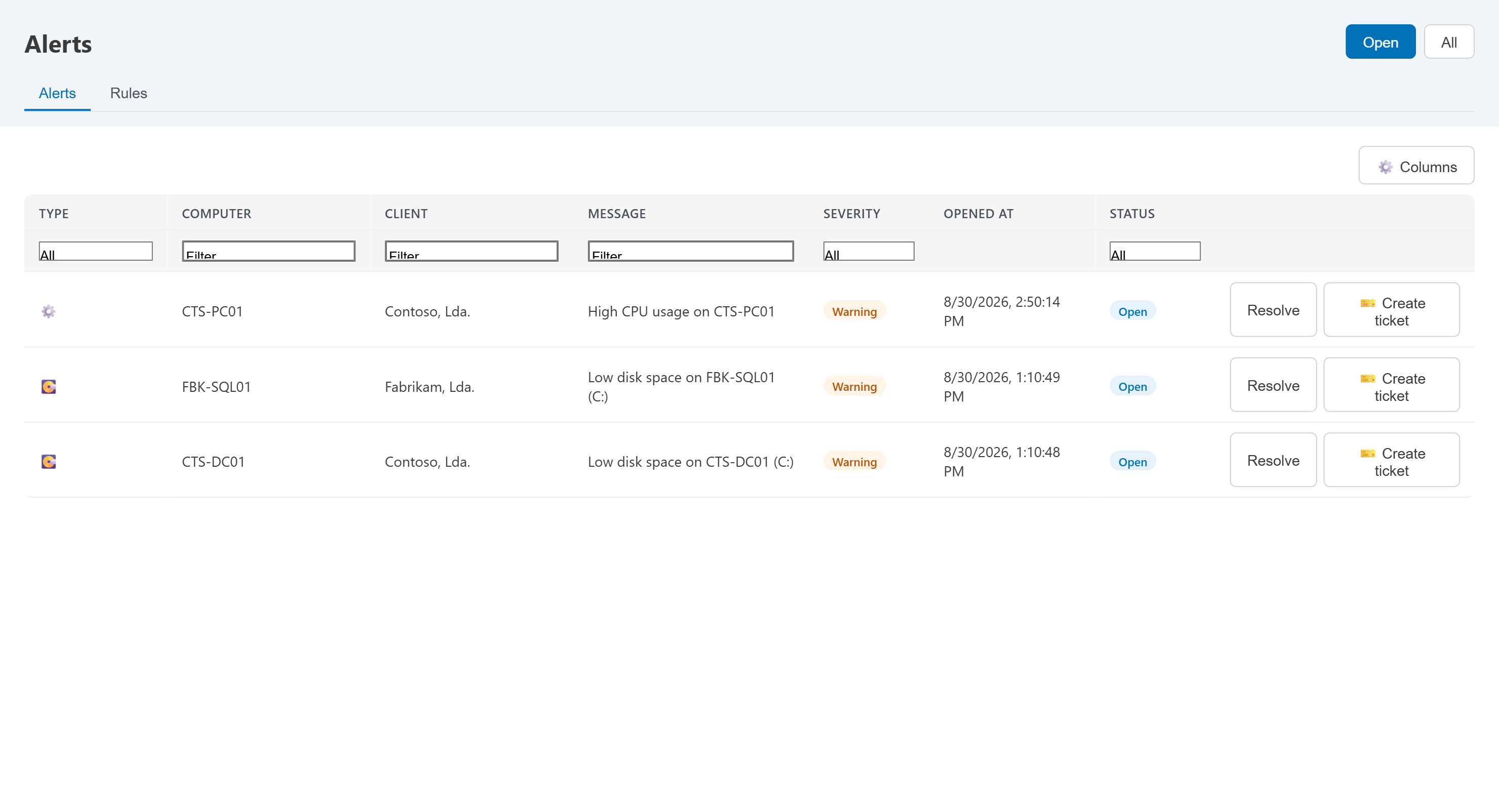
- One click turns any open alert into a ticket, already linked to the machine.
Alerts from every module
- One feed for everything. Besides your rules, the modules raise alerts of their own — vulnerabilities, lifecycle, websites, domains, Microsoft 365, backups, third-party backups, network configs, Syslog, printers and SNMP devices, and the infrastructure modules, Hyper-V replication included — and they all land in Alerts, on the Dashboard, in the client's Alerts tab and in the footer ticker.
- A Generate alerts switch per module. An administrator can turn a module's alerts off at the top of its page, or all together in Settings → General → Alerts: its open alerts are resolved, no new alert or email follows, and the page keeps showing the state of everything it watches. Turned back on, the alerts that were still there come back without a second email. Your alert rules keep their own Enabled / Paused switch.
- Emails only for the people who look after it. An alert email only reaches the people of your team who have access to the alert's module, or to Alerts — administrators always. A rule's email goes to the team members with Computers or Alerts, so a technician who only looks after websites gets the website alerts and nothing about disks or servers. Addresses typed in Also notify these emails still receive what they were added for.
- Critical alerts, straight away. A technician can turn on Critical alerts in My profile → Options to get the alerts of the highest severity as soon as they are raised — only those of the modules they have access to.
Threshold alerts
CPU, disk, memory, network and offline rules — scoped to the whole fleet, a folder, or a single machine.